Getting Fault F0070 on your Siemens MM420? Learn how to fix the communication board setpoint error and adjust parameter P2040 for a stable telegram failure time.
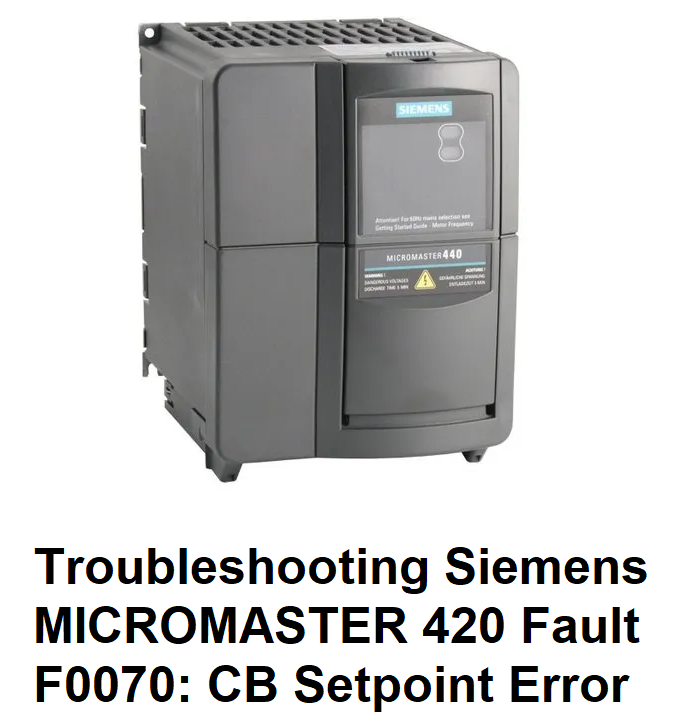
Solving Siemens MICROMASTER 420 Fault F0070: CB Setpoint Error
If you are working with a Siemens MICROMASTER 420 (MM420) and your process suddenly stops with Fault F0070, you are dealing with a communication “handshake” failure. While it sounds complex, it’s essentially the drive saying, “I was told to listen to the fieldbus, but my controller has gone silent!”
In this guide, we’ll break down what F0070 means, why the “Telegram Failure Time” is critical, and the exact steps to get your drive talking to your PLC again.
What is Fault F0070?
The F0070 code stands for CB Setpoint Fault. “CB” refers to the Communication Board (usually a Profibus module like the CBP2) mounted on the front of your MM420.
This fault occurs when the drive does not receive a valid setpoint telegram from the PLC (Master) within a specific window of time. To prevent the motor from running “blind” without control, the drive trips F0070 and brings the motor to a stop.
The Secret Behind Parameter P2040
The “window of time” mentioned above is controlled by Parameter P2040 (CB Telegram Off Time). This is the watchdog timer for your communication board.
- Default Setting: Usually 100ms or 1000ms.
- The Logic: If the drive is set to 1000ms, and it doesn’t hear from the PLC for 1.01 seconds, it triggers F0070.
- The “Invisible” Fix: Setting P2040 = 0 disables this watchdog. This can clear the fault, but be careful—disabling it means the drive might keep running at its last speed even if the Profibus cable is unplugged!
Common Causes of F0070
- Physical Network Issues: A loose Profibus connector, a broken wire, or an incorrectly set termination resistor.
- Electrical Noise (EMC): High-voltage motor cables running too close to the communication cable can “corrupt” the data telegrams.
- PLC Master in Stop Mode: If your Siemens S7 PLC goes into STOP, it stops sending cyclic setpoints, causing the drive to trip.
- Hardware Failure: The optional Profibus module (CBP2) has failed or is poorly seated on the drive.
Step-by-Step Troubleshooting Guide
1. Check the Module LEDs
Look at the Profibus module on the drive.
- If the BF (Bus Fault) LED is red or flashing, the drive cannot see the PLC.
- Verify that the module is snapped firmly onto the MM420. Sometimes vibration shakes them loose.
2. Verify Termination Resistors
On a Profibus network, the “first” and “last” physical nodes must have the termination switches set to ON. All nodes in between must be OFF. If these are wrong, “signal reflections” will cause intermittent F0070 trips.
3. Address EMC and Shielding
Ensure your Profibus cable is shielded and that the shield is grounded 360 degrees using a clamp. Never run communication cables in the same tray as high-power motor cables.
4. Adjust Parameter P2040
If your network is busy or has slight delays, increase P2040 to 2000ms (2 seconds). This gives the drive more “patience” before it trips.
Note: Ensure P0700 and P1000 are both set to ‘6’ if you are using Profibus for both command and setpoint.
How to Reset Fault F0070
- Fix the physical cable or network master issue.
- Ensure the PLC is in RUN mode and sending valid data.
- Press the Fn (Function) or Reset button on the BOP/AOP keypad.
- If the fault keeps returning immediately, the drive is likely not seeing any telegrams at all—check the Profibus Address (P0918) matches your PLC hardware configuration.
Summary
The Siemens MM420 F0070 fault is almost always a network stability issue. Start by checking your Profibus connectors and your P2040 watchdog time. In most cases, a loose screw or a noise-induced telegram delay is the culprit.